

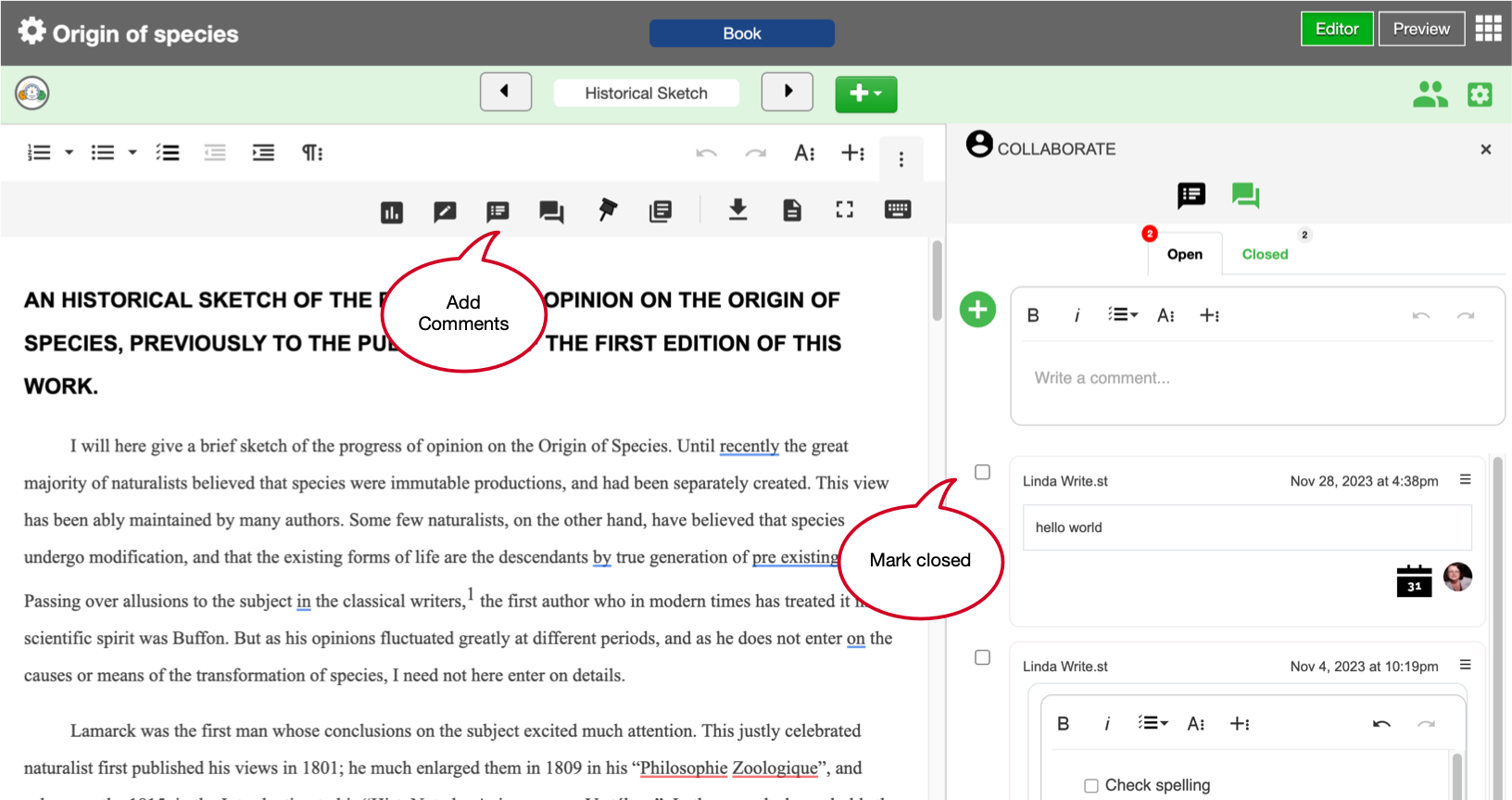
The tools menu has comments and track changes. Comments or todo tasks can be added using these steps:
- Add text into the blank comment (edit as required)
- Click the plus icon to add the comment
- Add a due date; if required
- Assign a collaborator; if required
- Click the check mark to change its status from open to closed (or back again)
See also:
- How to track changes
- How to find and replace text